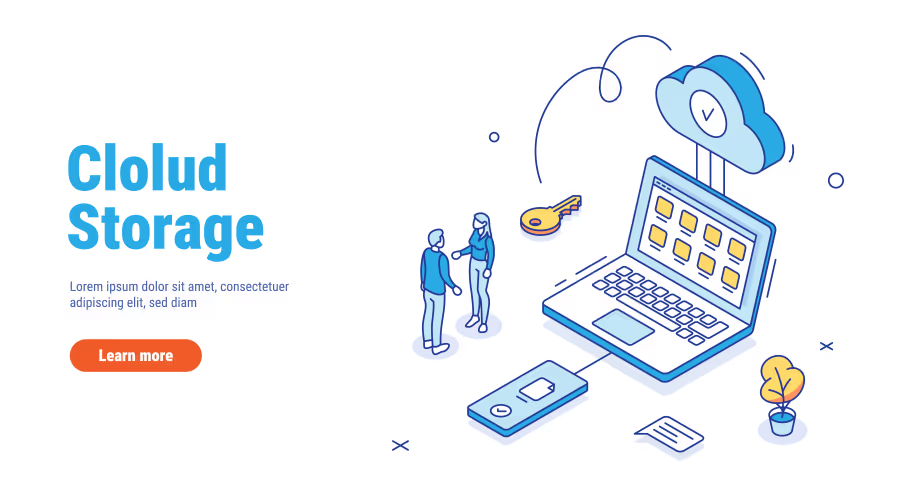





















Cloud storage makes it possible to store and access files through internet-connected devices instead of keeping everything on a single computer or external drive.
But choosing a cloud storage service involves more than comparing the amount of storage included in each plan.
How Cloud Storage Works
Cloud storage stores your files on remote infrastructure operated by a service provider. You can normally access those files through a web browser, desktop application or mobile application.
Many services also synchronize files between devices, allowing you to work with the same documents from different locations.
How Much Storage Do You Need?
Start by estimating how much data you currently have and how quickly it is growing.
Documents and spreadsheets generally require relatively little space, while high-resolution photographs, videos and large project files can consume storage much faster.
Cloud Storage vs Backup
Synchronization and backup are not necessarily the same thing.
If a file is synchronized across devices and you delete it, that deletion may also synchronize depending on the service and its settings.
A proper backup strategy should consider how files can be recovered after accidental deletion, corruption, device loss or other problems.
Check Security Features
Review how the provider protects your account and data. Important features can include encryption, multi-factor authentication, access controls, recovery options and activity monitoring.
For business users, also consider administrative controls and how the service handles organizational data.
Consider Collaboration
If you work with other people, collaboration may be more important than raw storage capacity.
Look for features such as shared folders, permissions, real-time editing, file comments and easy sharing.
Check Device Compatibility
A good cloud storage service should fit the devices and operating systems you already use.
Check whether the service provides suitable applications for your computer and smartphone and whether files can be accessed easily through a browser.
Compare the Total Cost
Do not compare only the monthly storage price.
Consider how much storage you receive, whether the plan is shared between users, which productivity applications are included and what happens when you exceed the storage limit.
Popular Options
Google Drive, Microsoft OneDrive, Dropbox and other providers offer different combinations of storage, synchronization and collaboration features.
For users already committed to an ecosystem such as Google Workspace or Microsoft 365, using the integrated storage service may simplify administration and collaboration.
Final Takeaway
The best cloud storage service depends on what you store, how you work and which devices and applications you already use.
Compare storage, security, synchronization, collaboration, recovery options and total cost before making your decision.