



















How to Choose Cloud Storage: What You Should Look For
Cloud storage has become a practical way to store, synchronise and share files across computers, smartphones and other devices. Instead of keeping everything on a single hard drive, users can access their files through an internet-connected service.
But choosing cloud storage is not simply about finding the service offering the most gigabytes. Security, reliability, compatibility, sharing features and the way the service handles your data are equally important.
What Is Cloud Storage?
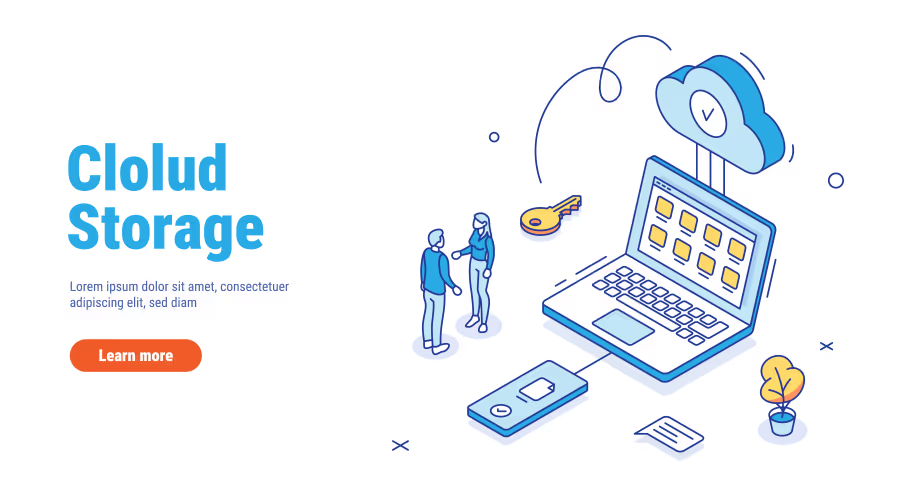
Cloud storage allows files to be stored on remote servers operated by a service provider. Depending on the service, those files can then be accessed through a browser, desktop application or mobile application.
This can make it easier to work across multiple devices and share files with other people.
1. Check How Much Storage You Actually Need
Start by estimating the amount of data you currently have and how quickly it is growing.
Documents and spreadsheets generally require relatively little storage, while photographs, videos and large project files can consume considerably more space.
Do not pay for a large storage plan simply because it sounds impressive. Choose capacity according to your actual requirements and expected growth.
2. Look at Synchronisation
If you work on several devices, synchronisation can be one of the most useful cloud-storage features.
A good synchronisation system allows changes made on one device to become available on your other connected devices.
3. Consider File Sharing
Cloud storage is often used for collaboration. Check whether the service allows you to share individual files or folders and whether you can control who has access.
For professional use, permission controls can be more important than the amount of storage included in a plan.
4. Check Security and Privacy
Before uploading sensitive information, understand how the provider protects your account and data.
Look for features such as multi-factor authentication, access controls and account-security notifications.
Also review the provider’s privacy policy and terms so you understand how your information is handled.
5. Check Compatibility
Make sure the service works with the devices and operating systems you use.
If you use Windows at work, Android on your phone and another operating system at home, cross-platform support may be particularly important.
6. Understand Backup vs Synchronisation
Cloud synchronisation is not necessarily the same thing as having an independent backup.
If a file is deleted or changed, that change may synchronise across your devices. Depending on the service, deleted or previous versions may be recoverable for a limited period.
For important information, consider maintaining a proper backup strategy rather than relying exclusively on synchronisation.
7. Consider Collaboration Features
Businesses and teams may need more than simple file storage. Look at document collaboration, permission management, version history and integration with productivity software.
Questions to Ask Before Choosing
- How much storage do I actually need?
- Which devices do I use?
- Do I need automatic synchronisation?
- Will I share files with other people?
- How sensitive is the information?
- Do I need collaboration features?
- What happens if I accidentally delete a file?
- Can I easily move my data to another service?
Final Thoughts
The best cloud-storage service is the one that fits your workflow rather than simply offering the largest storage number.
For personal users, ease of use and device compatibility may be the priority. For businesses, security, permissions, collaboration and integration can matter much more.